 WANTED
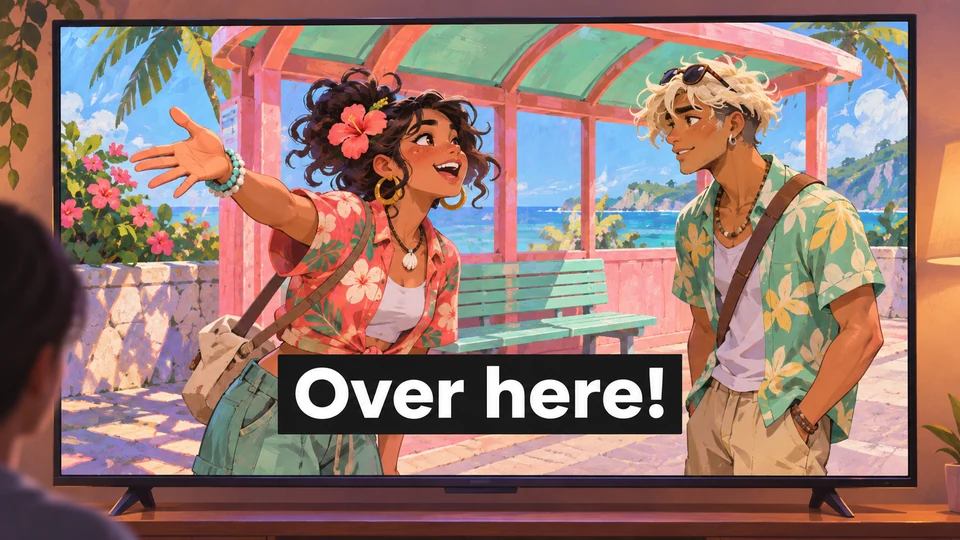
Before you start
Tick these as you go. Progress stays in this browser.
I picked a subtitle size. Why do only story lines appear?
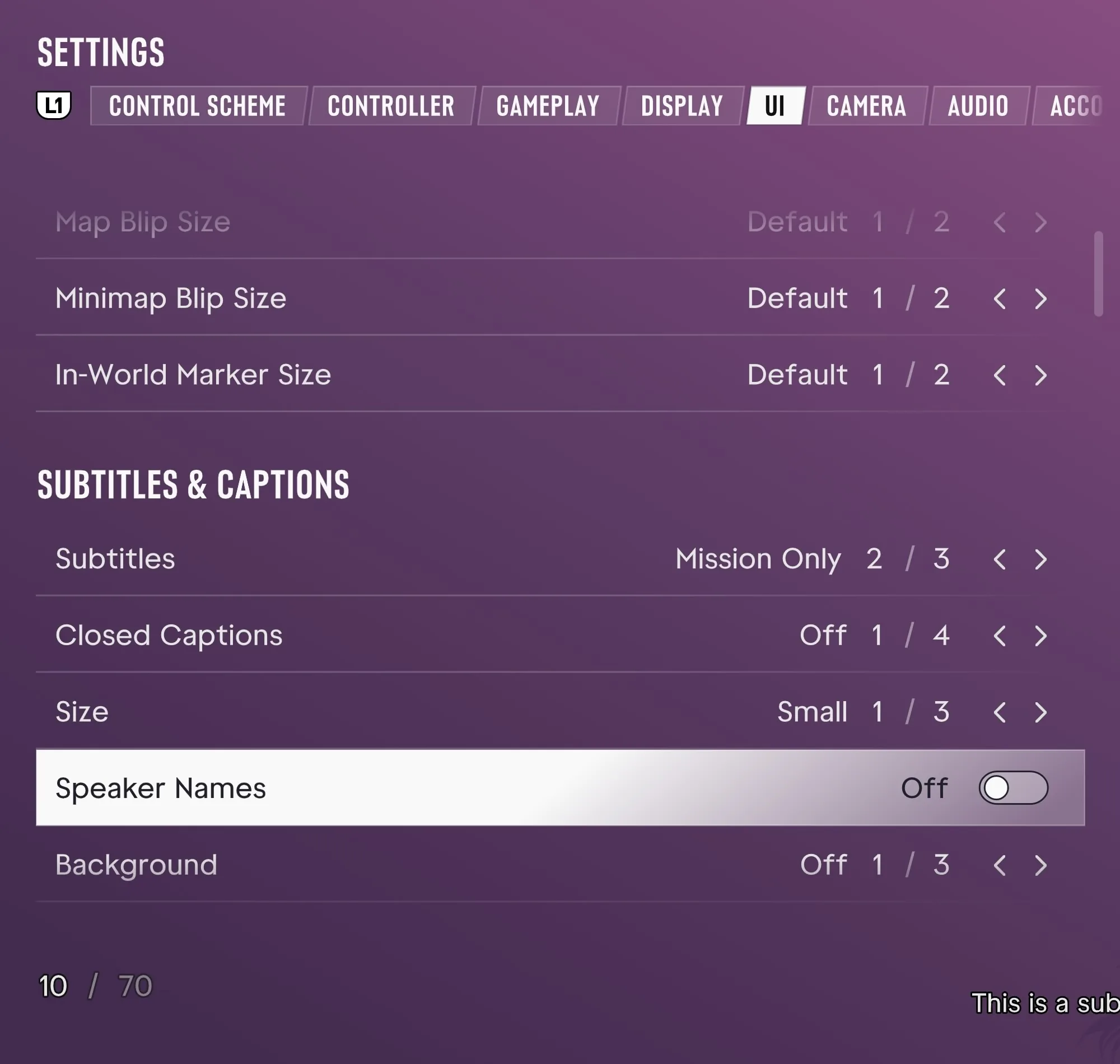
On the PS5 first-start screen you can pick a size and still end up with Mission Only. Later, pause and choose Settings. Use L1/R1 on PS5 or LB/RB on Xbox to reach UI. Scroll to Subtitles & Captions, highlight Subtitles and press left or right until it reads On.
Return to free roam and listen to characters talking nearby. A line of dialogue appearing outside a mission is a better test of this setting than a radio broadcast.
I can see words, but who is talking?
Turn on Speaker Names in the same group. If the letters disappear against a bright street, try Background → Solid and check the sample line. To enlarge the words, change Size here. The separate UI Text Size higher up the page changes menus and prompts.
For written sound cues, use the Closed Captions row. Choose Environment for ambient sounds, Non-Speech for other nonverbal cues, or On for both.
Does turning on closed captions give radio hosts or podcasts subtitles?
Players who tested radio shows and podcasts still reported stretches without a transcript, including after enabling captions. The console menus show no separate radio-transcript switch. If nearby characters have subtitles but a host does not, increasing the text size or switching headphones will not supply the missing lines.
If you’re trying to identify the song you heard, the game has a different tool. See how to identify a radio track and find it again.
Sources & checks
Reviewed November 29, 2026. Written from the sources below; not an independent in-game playtest. Platform, chapter and reported limitations are kept explicit.
- ViceManual · PS5 capture of the five subtitle and caption rows
- Leonida Notebook · subtitle modes and sound-caption choices on Xbox Series S
- All Things How · PS5 startup choice and in-game sample line
- Player reports · missing words and radio captions with subtitles enabled
- Player check · radio and in-game podcasts