 WANTED
Before you start
Tick these as you go. Progress stays in this browser.
Do I buy it or open something on the phone?
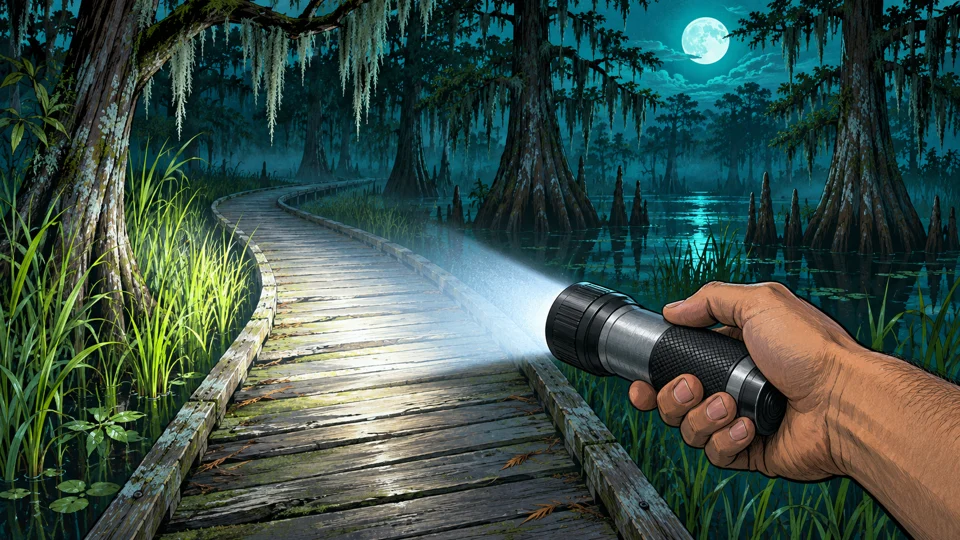
The handheld light is part of your equipment in Chapter 1’s Gone Fishing. You can use it on foot without buying a torch or opening a phone app. If you’re halfway through a dark trail, stay where you are and bring up the loadout wheel.
The slot shows binoculars or the wheel shows a hat
Hold L1 on PS5 or LB on Xbox to keep the wheel open. If the slots show clothes or face coverings, switch to Weapons using R1 or RB. Point the right stick diagonally down and right. The large label in the center names the selected tool.
If that label reads Binoculars, keep the stick on that slot. Tap L2 or R2 on PS5, or LT or RT on Xbox, to cycle through the tools in it. Stop on Flashlight and release the button holding the wheel open. Face the ground or a nearby wall and look for the circle of light. If your view fills with binocular lenses, reopen the wheel and change the tool before releasing it.
How do I put the light away?
Open the wheel again and move the stick to the fist marked Unarmed. Release the wheel. Your hand should be empty and the beam gone. To use the light again in a dark building or on a trail, select it from the same equipment slot.
Sources & checks
Reviewed November 29, 2026. Written from the sources below; not an independent in-game playtest. Platform, chapter and reported limitations are kept explicit.
- NerdsChalk · handheld light selected, shining on foliage, and put away
- All Things How · PS5 loadout tabs, right-stick selection and the binoculars slot
- PowerPyx · Chapter 1 unlock for the handheld light
- Vice Keys · controls and timestamped footage of the beam on foot
- Player discussion · looking on the phone and finding the light beside the binoculars