 WANTED
Before you start
Tick these as you go. Progress stays in this browser.
The map is full of gas stations. Which ones have a wash?
On the full map, open the Index, pick Vehicles (the car icon), then Car Washes. The counter at the bottom left shows how many locations you have discovered. As you explore Vice City, the wash icons appear on the map. Choose a named wash and set your destination there.
Look for Xero Car Wash in Southside or La Perle, RON Car Wash in Salton, Balsero or Bayside, or Park N Glow. All six mapped locations are in the Vice City area. If the city is still covered on your map, PowerPyx’s six marked locations show where to look.
I’m at Xero Southside. Where do I stop?
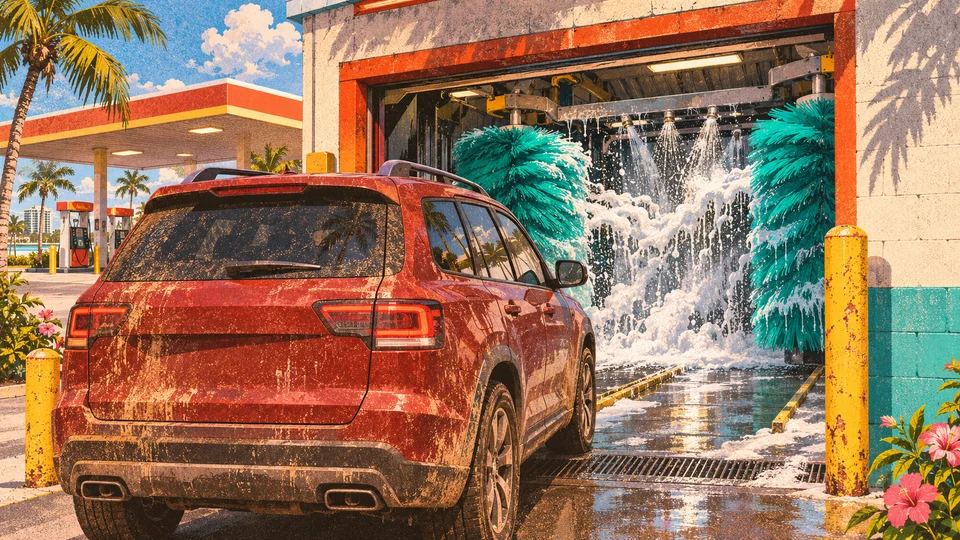
- Pull into the lot and look past the fuel canopy. The wash has its own small white building with turquoise trim. Above the open doorway is a red Entrance Only sign.
- Stay at the wheel, turn the nose of the car toward that doorway and ease forward. Stop when Clean Vehicle and a price appear. The recorded approach at 0:25 shows where the front of the SUV is when the prompt appears.
- Use the button shown. The filmed PlayStation prompt is Cross (×), Clean Vehicle ($10). Let the brushes and rinse cycle run, then drive away once control returns.
I only see Services, or my car still has dents
If the option on screen says Services and offers fuel, you stopped at a pump. Pull away and line up at the separate wash entrance. If you are at another site, check the map card for the actual wash name before making another pass.
A wash removes visible dirt. If dust was the problem when your stored car arrived, you can drive it straight to the bay. For a damaged engine or bodywork, see the repair options and how to check what they fixed.
Sources & checks
Reviewed November 29, 2026. Written from the sources below; not an independent in-game playtest. Platform, chapter and reported limitations are kept explicit.
- WebPro Education · Southside map card, entry prompt and wash cycle
- Games & Apps Tutorials · a second drive-up wash at RON Balsero
- PowerPyx · six mapped wash locations and the discovery counter
- GTA6Ops · PS5 frame showing the entrance sign, button and price
- Player discussion · finding a wash after a dusty car delivery